
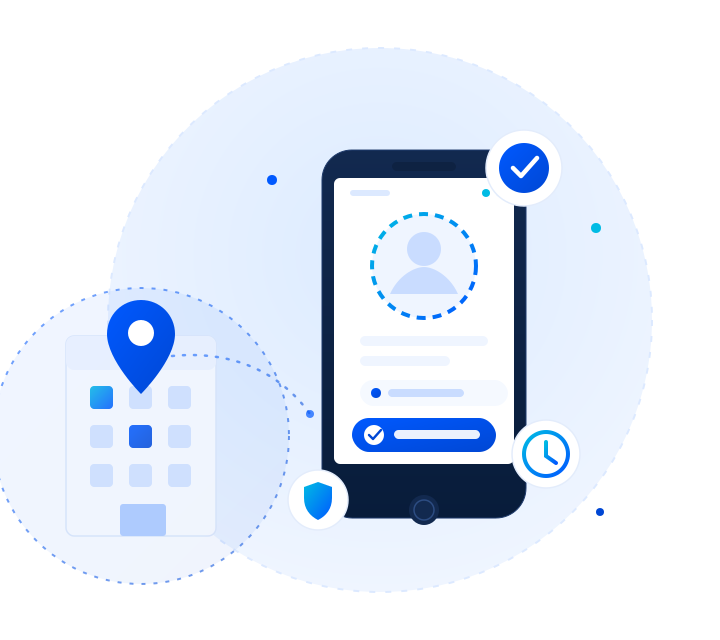
Presentee ties every check-in to a real place, a real face, and one approved phone — then gives your admins a workspace to run shifts, leave, and corrections without spreadsheets.
Free for two active employees. ₹100 per additional employee each month.


Every rule below is enforced on the server. A modified app cannot talk its way past them.
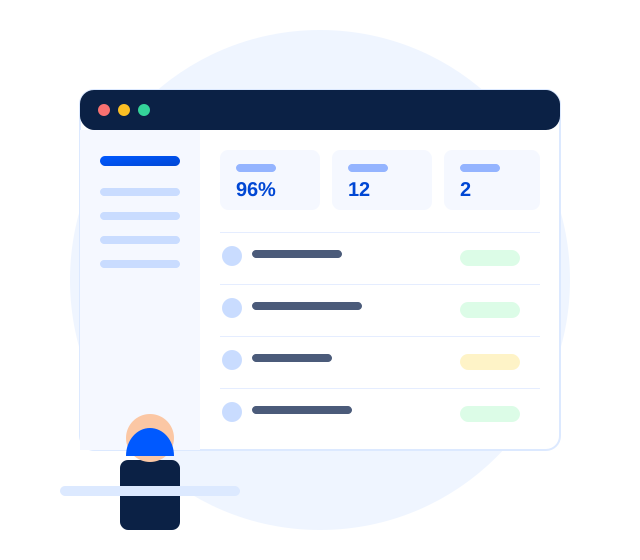
Company Admins get one workspace to add employees, define shifts and geofences, approve devices, review corrections, and export reports — no third-party spreadsheet stitched together after the fact.
Three steps from registering to your first verified check-in.
Register with your company details and pick your time zone. You are signed in immediately — no sales call.
Add a weekly shift, drop a pin on your office with a geofence radius, and choose which evidence you require.
Each employee gets a company code, an employee ID, and a one-time access code. Their first sign-in raises a device request — approve it once.
Geofencing, selfie verification, device binding, and tenant isolation — each enforced where it can’t be bypassed.
Employees check in from the mobile app with GPS inside your office geofence, a selfie, and their device unlock. Every required signal must pass on the server — nothing substitutes for another.
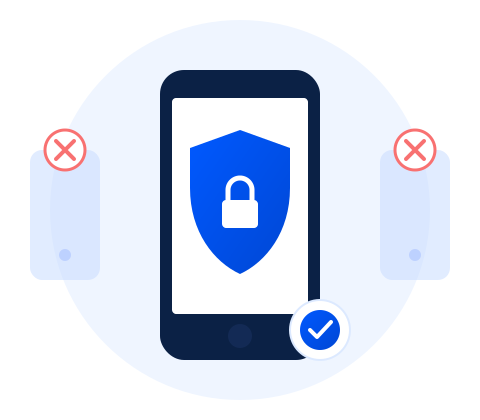
Each employee is bound to a single approved device. A sign-in from a new phone is blocked and queued for your approval, so attendance cannot be marked from a friend's handset.

Overnight shifts stay on the day they started, grace periods are explicit, and late arrivals record the real delay rather than rounding it away. Approved leave blocks self-service check-in automatically.

Every record carries its company, every query is scoped server-side, and cross-company references are refused without disclosing that they exist.
No card required to start. You only pay once your third employee is active.
For a founding team getting attendance right from day one.
For teams past the free seats, billed on who is actually active.
For larger teams, several sites, or attendance rules the plans above do not cover.
By your active employee count, nothing else. The first two active employees are always free; every additional active employee is ₹100 per month. Deactivating someone stops their charge the same day.
Set up your workspace now and add your team as you grow. No card, no sales call.